
Overview
The visitor registration flow is the first touchpoint for your guests. SafeIn allows you to customize how visitors are onboarded at the security desk or via the Spot Pass system.
Configuration Steps
1. Accessing Registration Settings
Navigate to Settings > Visitor Registration. Here you can define the requirements for entry.
2. Customizing Data Fields
Decide what information is mandatory for entry. Common configurations include:
- Standard Fields: Name, Email, Phone, Company.
- Required Fields: Mark fields as mandatory to ensure complete visitor logs.
3. ID Scanning & Documents
Enable OCR ID Scanning to allow security guards to scan visitor IDs and auto-fill details instantly, reducing manual errors.
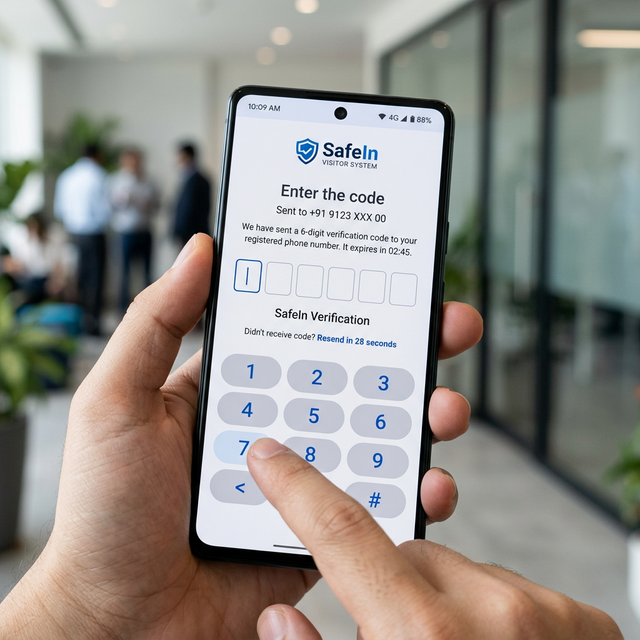
For Priority Bookings, the visitor must provide the OTP received on their phone to the guard for verification.
Gatekeeper Interface
Security personnel use the Gatekeeper App to verify visitor details and OTPs. Ensure your guards have the appropriate device permissions assigned in the Workforce Hub.